
FoodMaster restaurant ordering for WooCommerce
Take orders on your site. Keep every dollar. Delivery, pickup and dine-in, with a POS, a kitchen display and automatic printing. Formerly WooFood.
4.9/5 from 92+ reviews, used by 10,000+ restaurants Read the reviews
Try the live demo first. 30-day money-back guarantee, support within a day.
- No commission on any order, unlimited orders
- POS, kitchen display and automatic ticket printing included
- Multi-location in the same licence
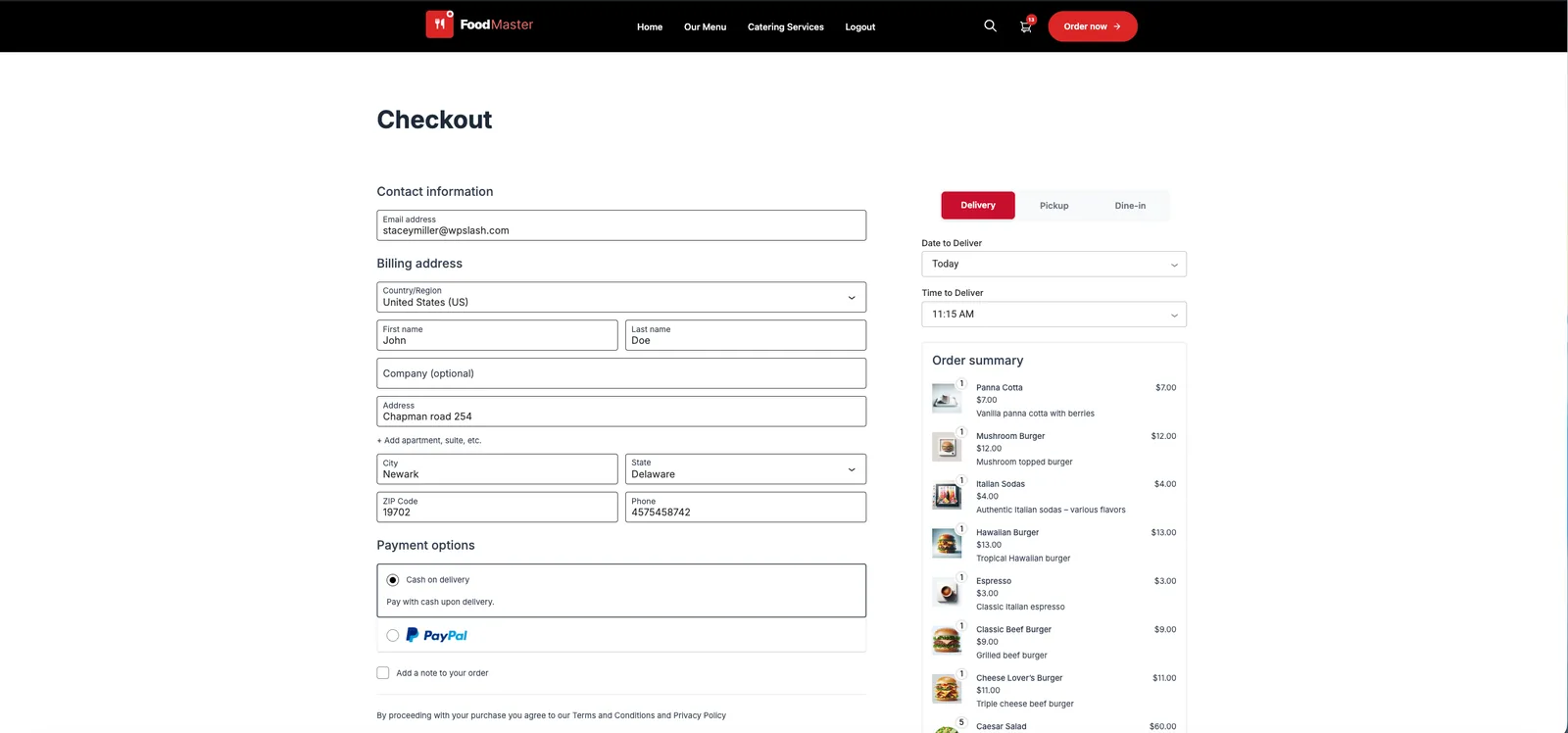
One order, from your website to the kitchen
Website, counter or phone, every order lands in the same place and reaches the kitchen without anyone retyping it.

The customer orders on your site
Delivery, pickup or dine-in from a table QR code, paid with any WooCommerce gateway.

Or your staff take it on the POS
Phone and counter orders use the same menu, extras and prices as the website.

The kitchen sees it at once
New, preparing, ready, done. Staff move each order along on the kitchen display.

The ticket prints itself
Orders print to your thermal printers through the Windows and macOS app, split by category.
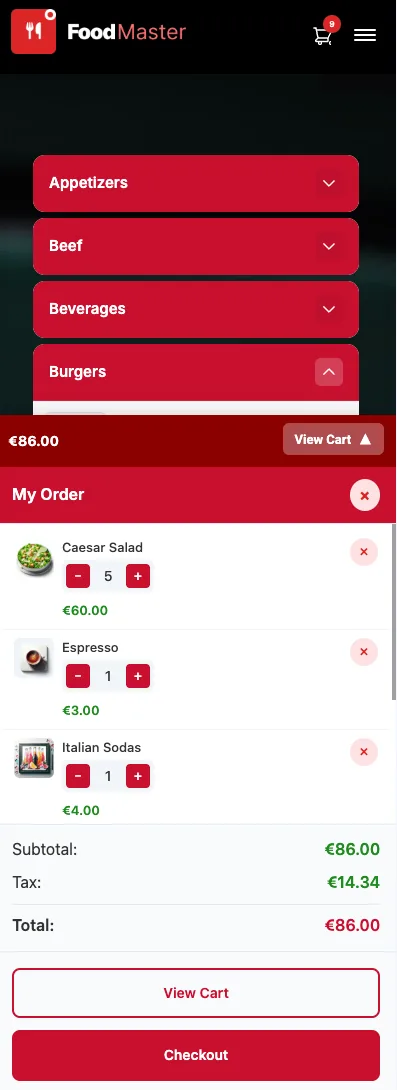
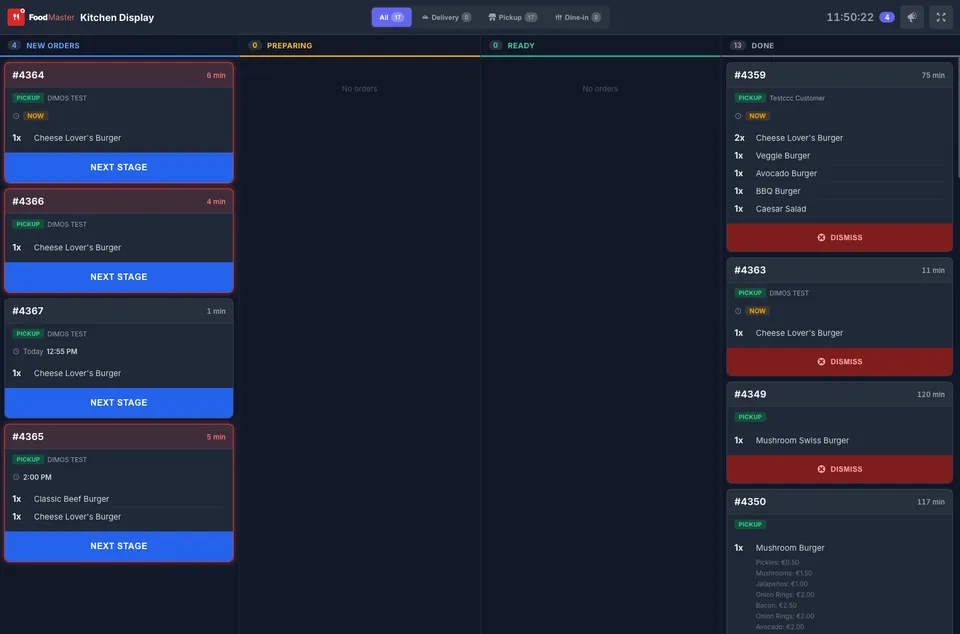
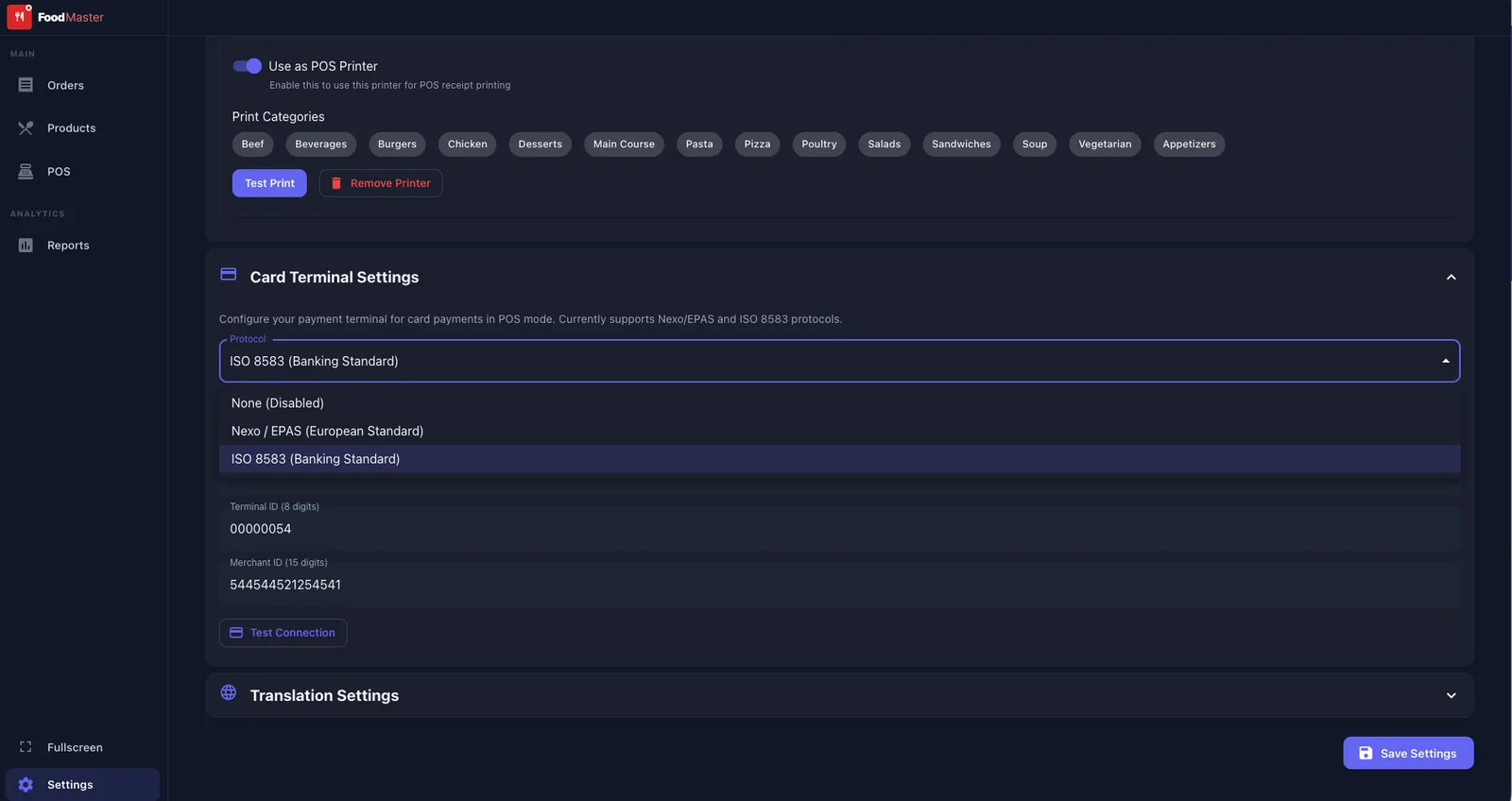
Try a demo that looks like your restaurant
Open a demo, order as a customer, then see the order arrive. Each one is a live FoodMaster store you can browse and order from.
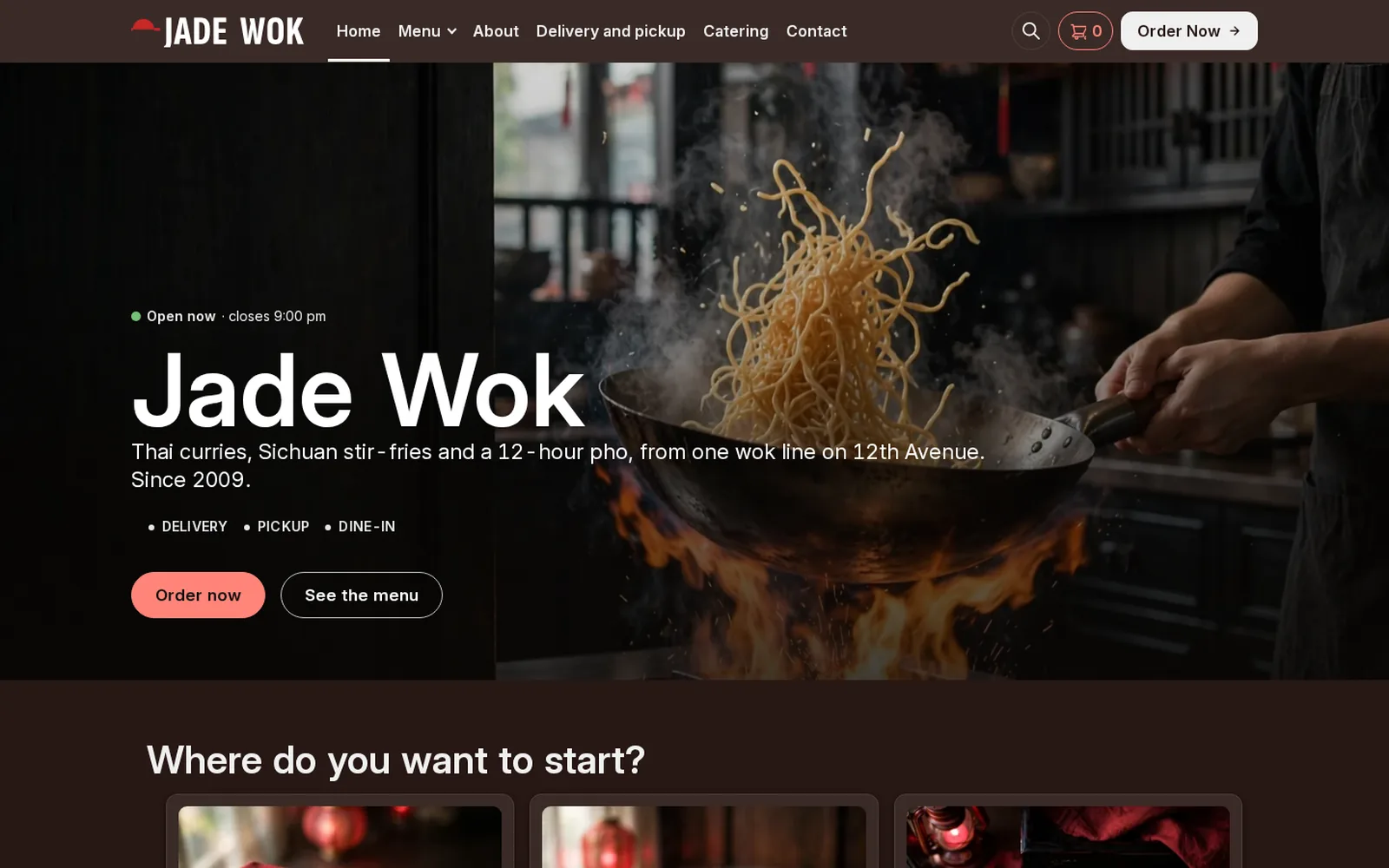
Restaurant demo
Asian
An Asian kitchen running FoodMaster: browse the menu, add to cart and go through checkout.
Open the demo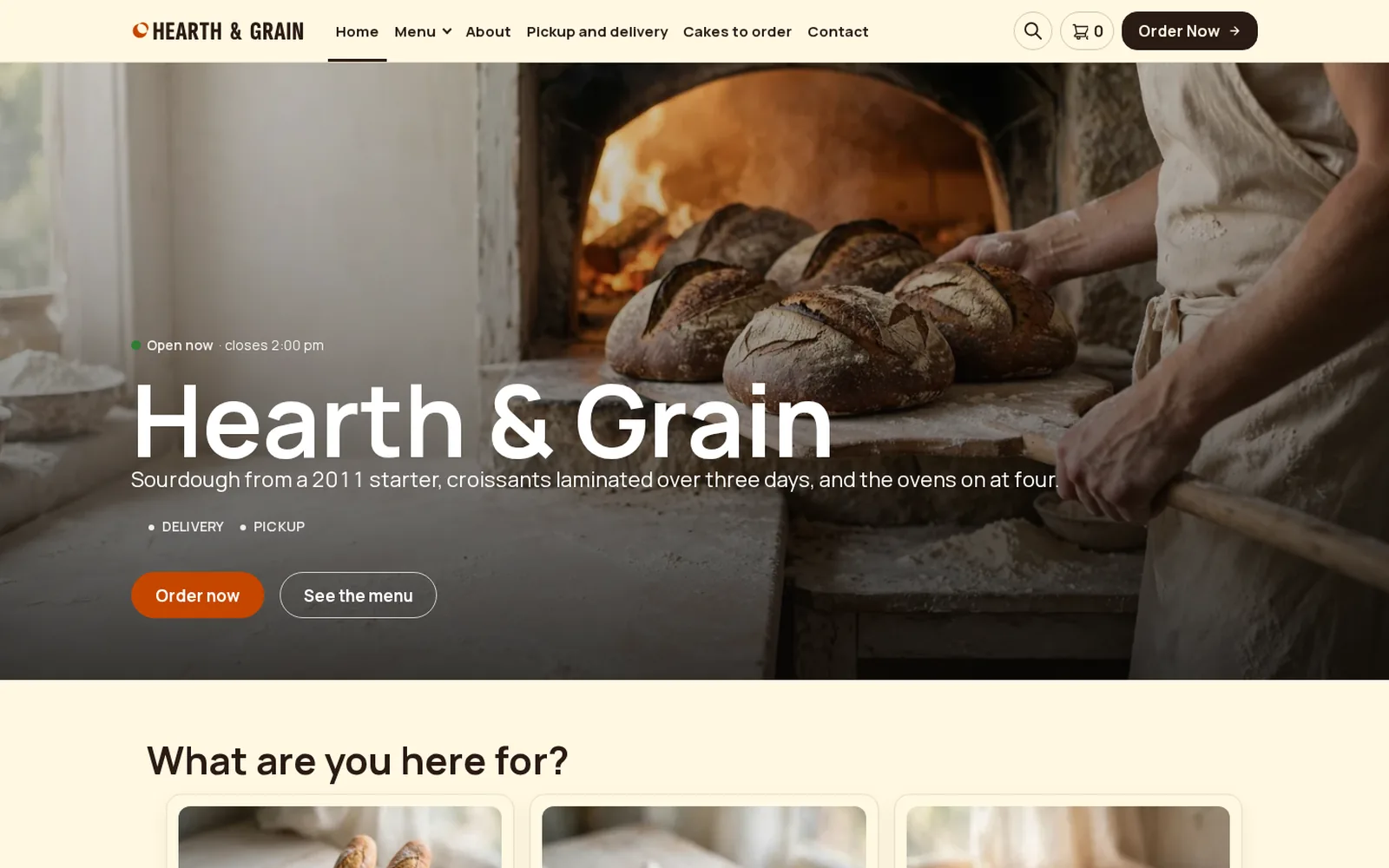
Restaurant demo
Bakery
A bakery running FoodMaster: browse the menu, add to cart and go through checkout.
Open the demo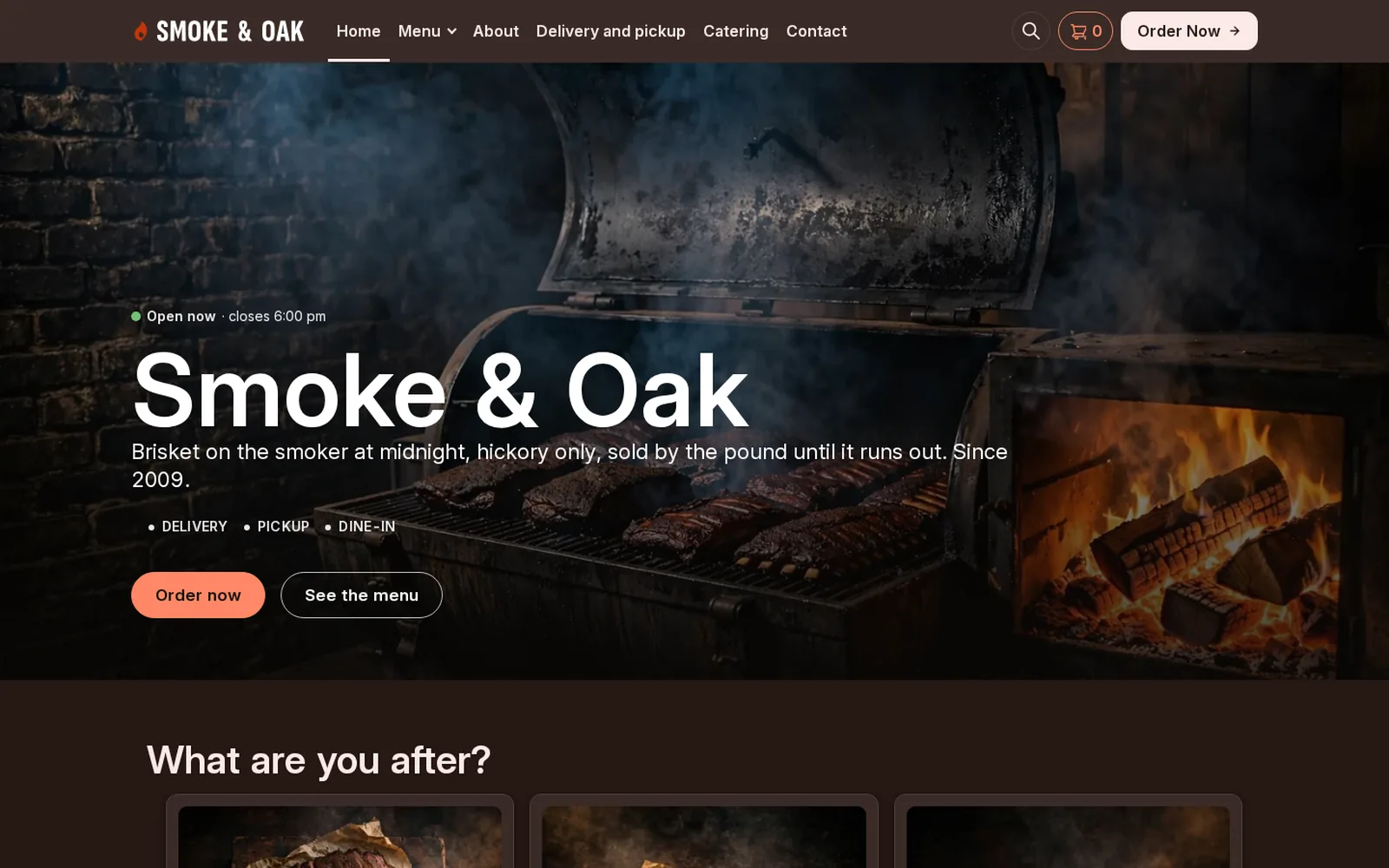
Restaurant demo
BBQ
A barbecue restaurant running FoodMaster: browse the menu, add to cart and go through checkout.
Open the demo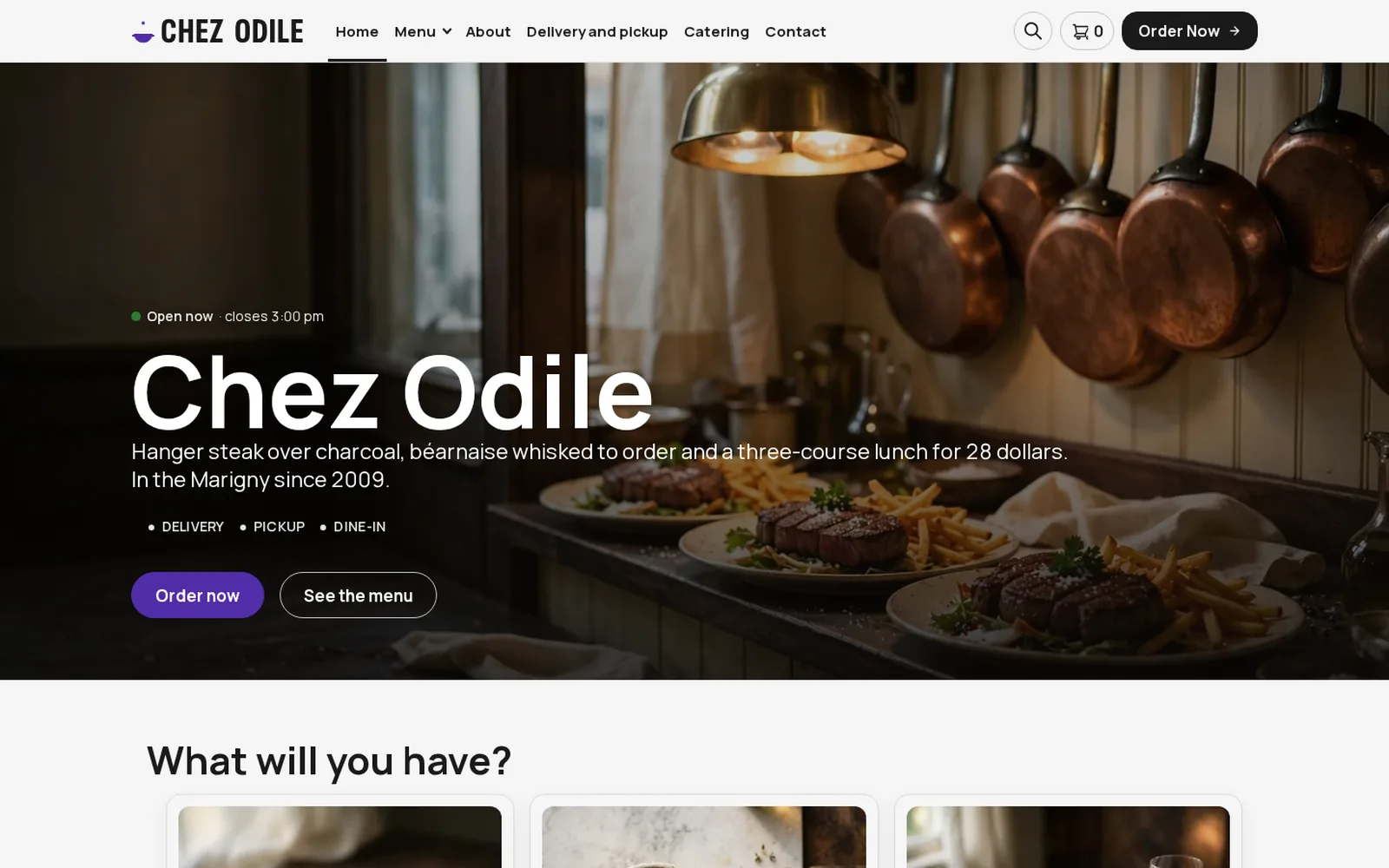
Restaurant demo
Bistro
A bistro running FoodMaster: browse the menu, add to cart and go through checkout.
Open the demo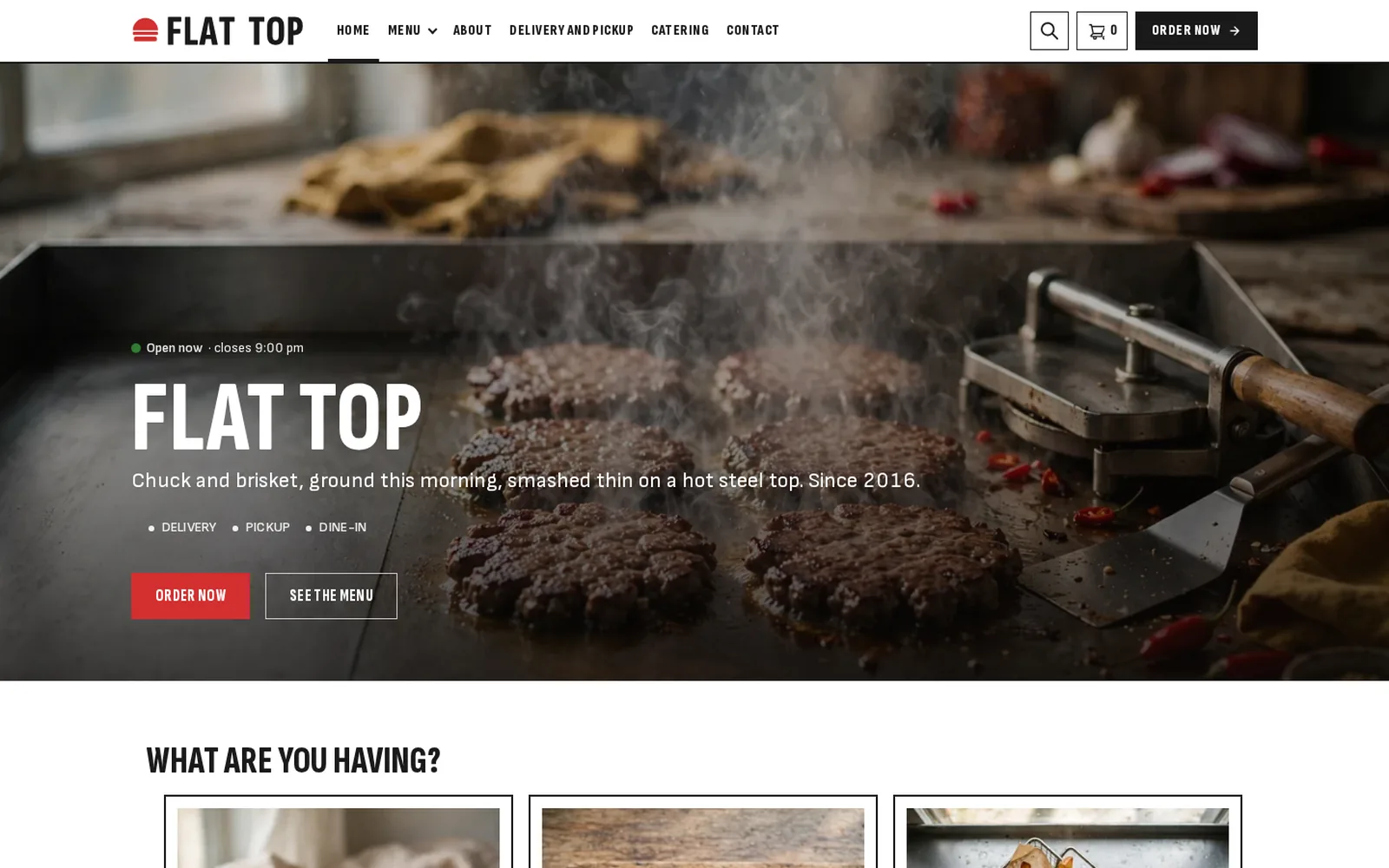
Restaurant demo
Burger
A burger restaurant running FoodMaster: browse the menu, add to cart and go through checkout.
Open the demo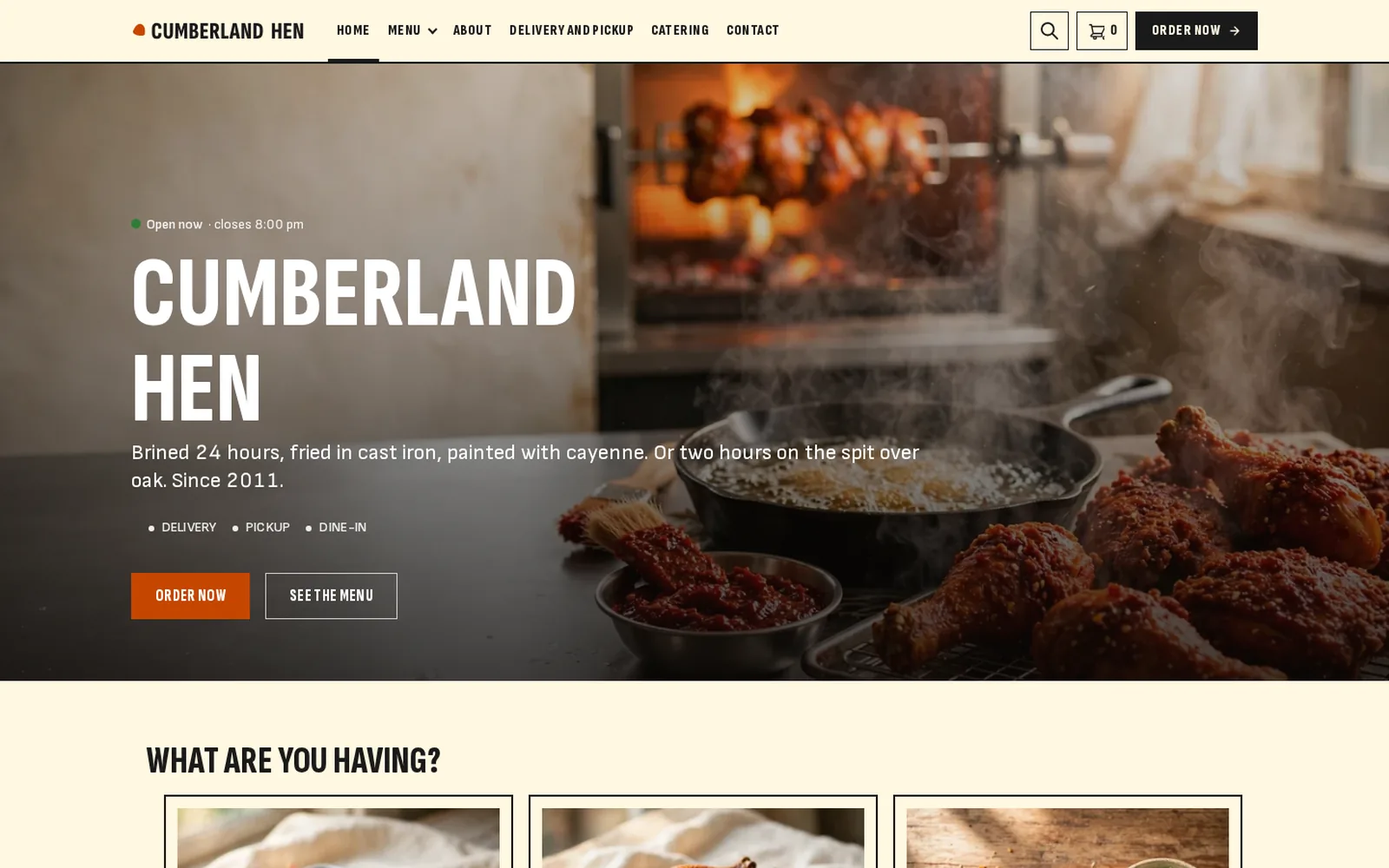
Restaurant demo
Chicken
A chicken shop running FoodMaster: browse the menu, add to cart and go through checkout.
Open the demo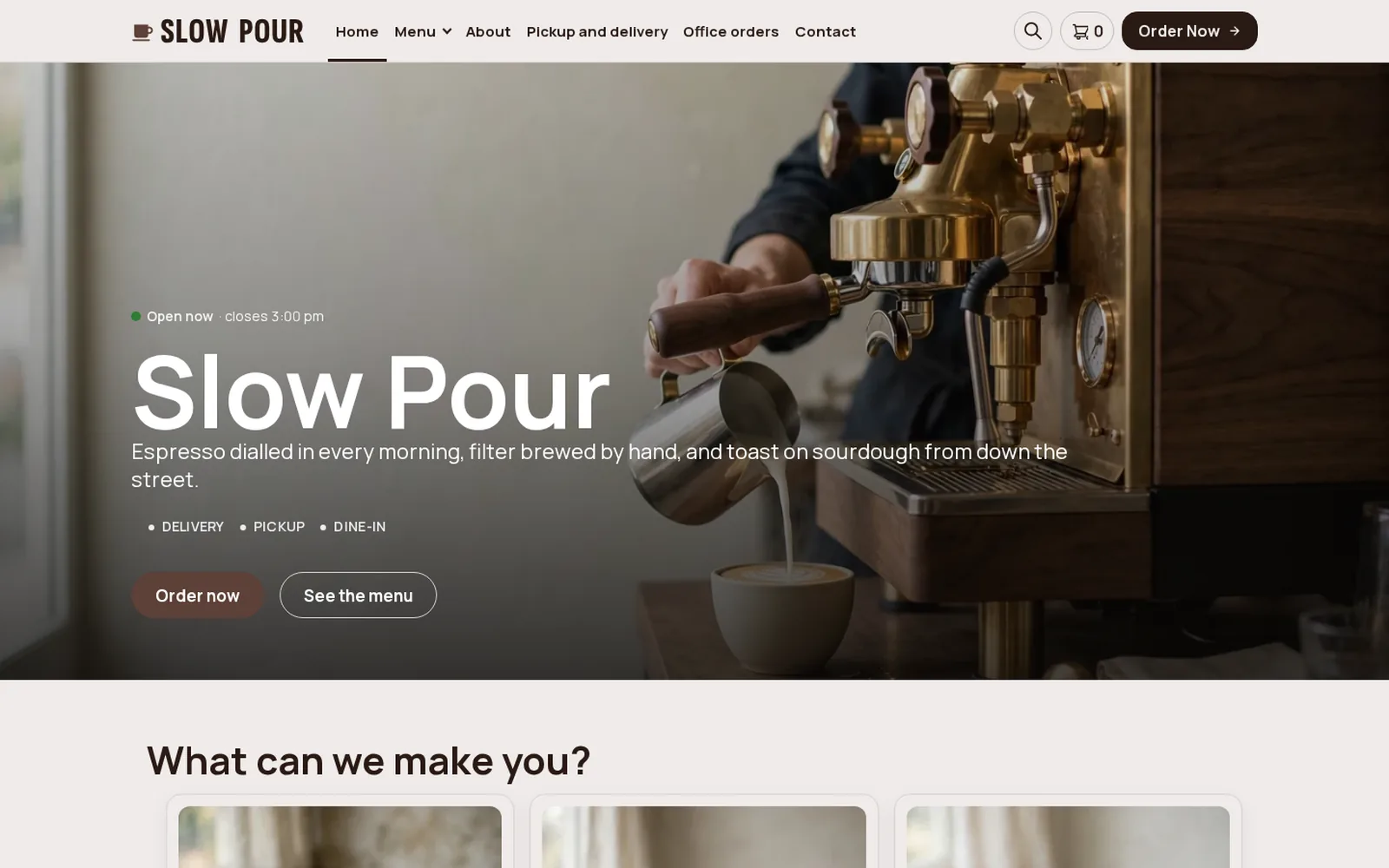
Restaurant demo
Coffee shop
A coffee shop running FoodMaster: browse the menu, add to cart and go through checkout.
Open the demo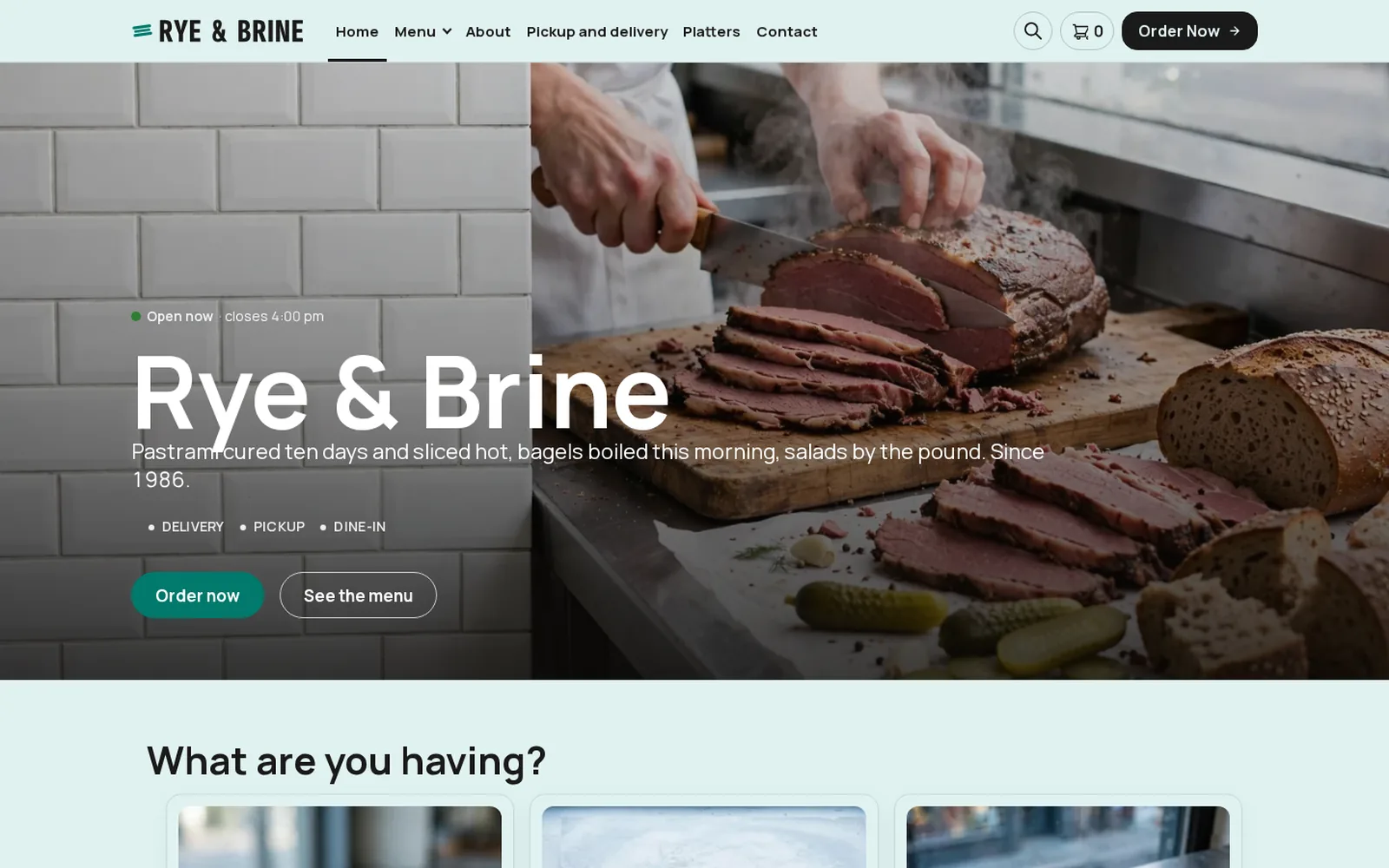
Restaurant demo
Deli
A deli running FoodMaster: browse the menu, add to cart and go through checkout.
Open the demo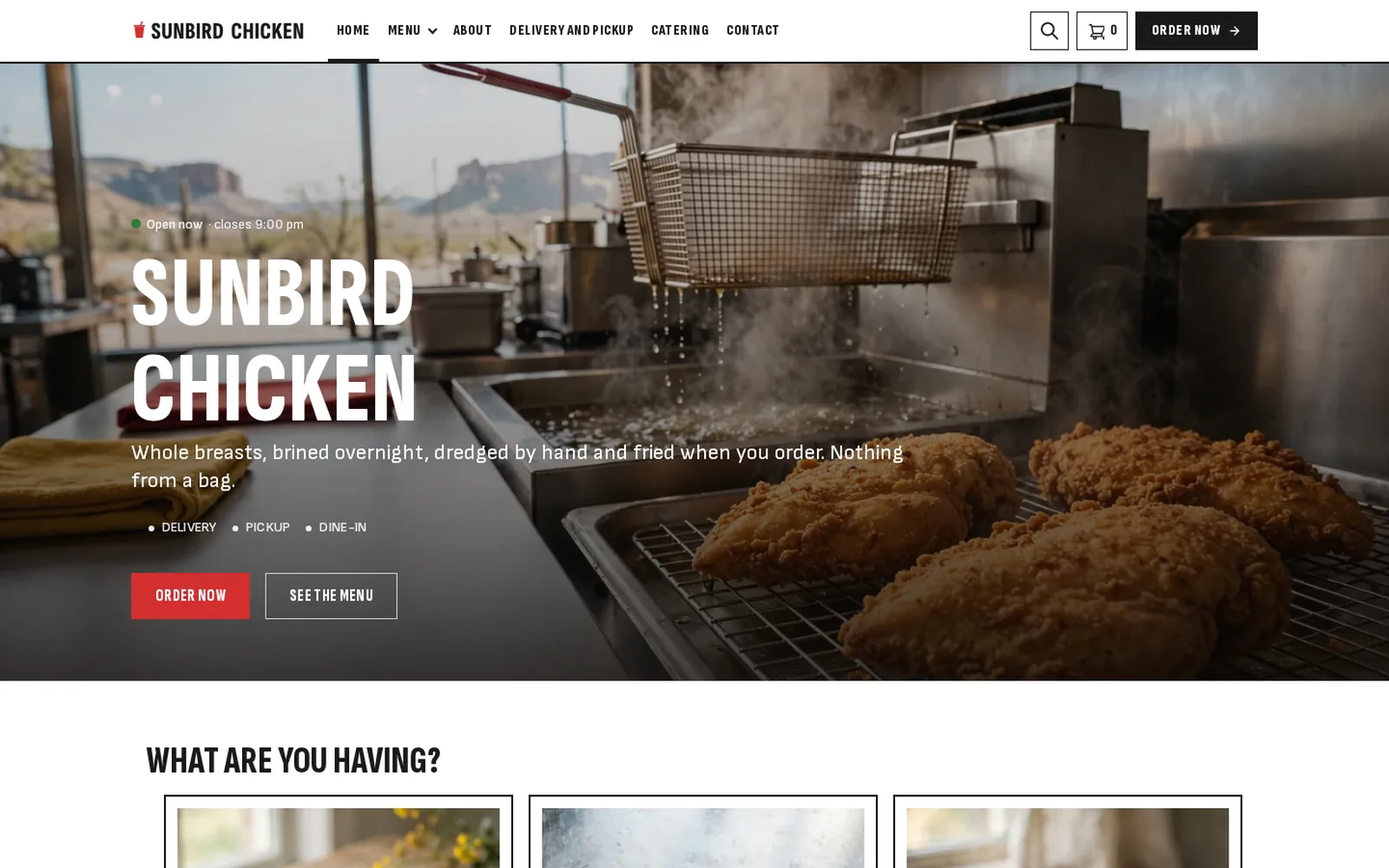
Restaurant demo
Fast food
A fast food restaurant running FoodMaster: browse the menu, add to cart and go through checkout.
Open the demo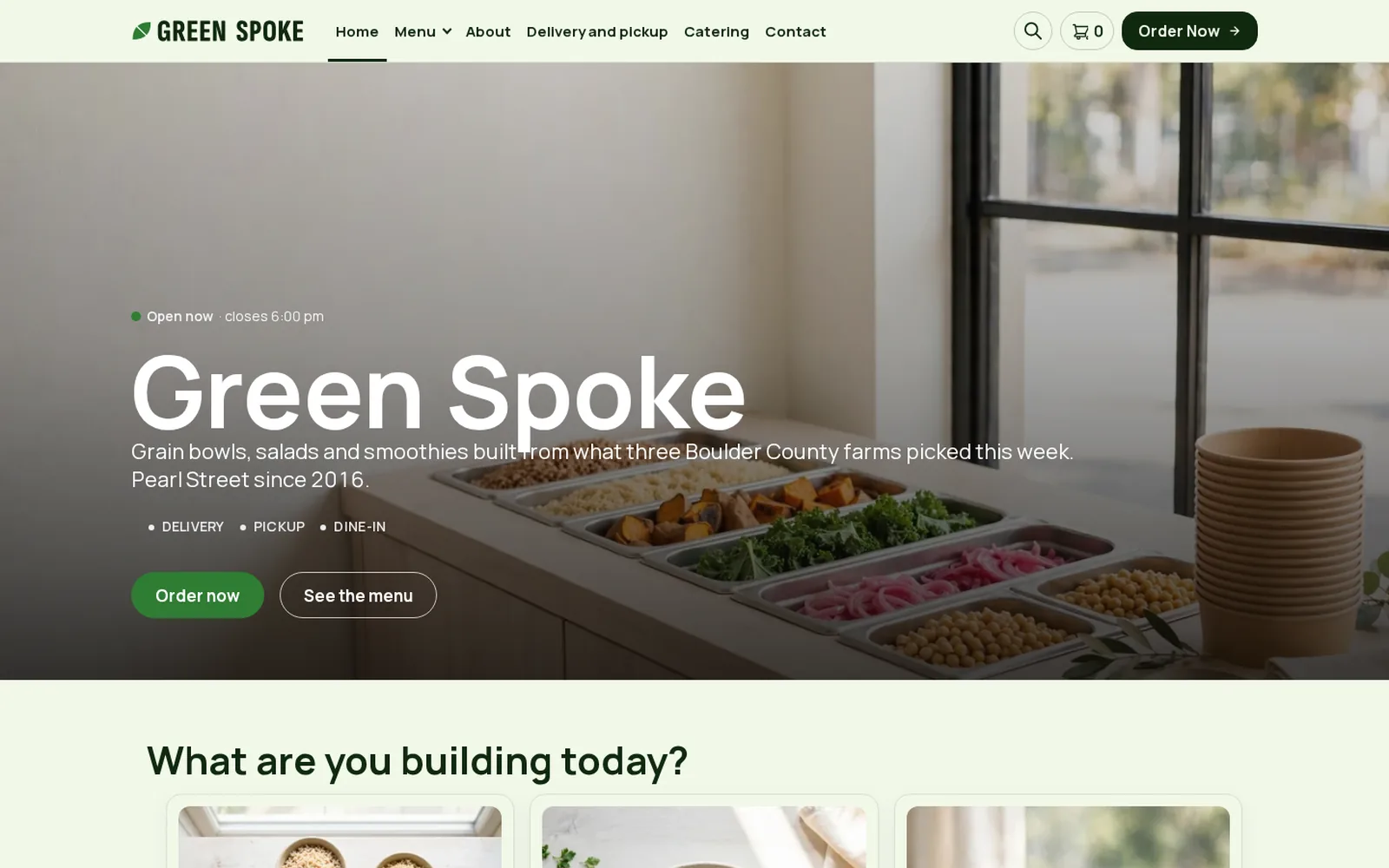
Restaurant demo
Healthy
A healthy food kitchen running FoodMaster: browse the menu, add to cart and go through checkout.
Open the demo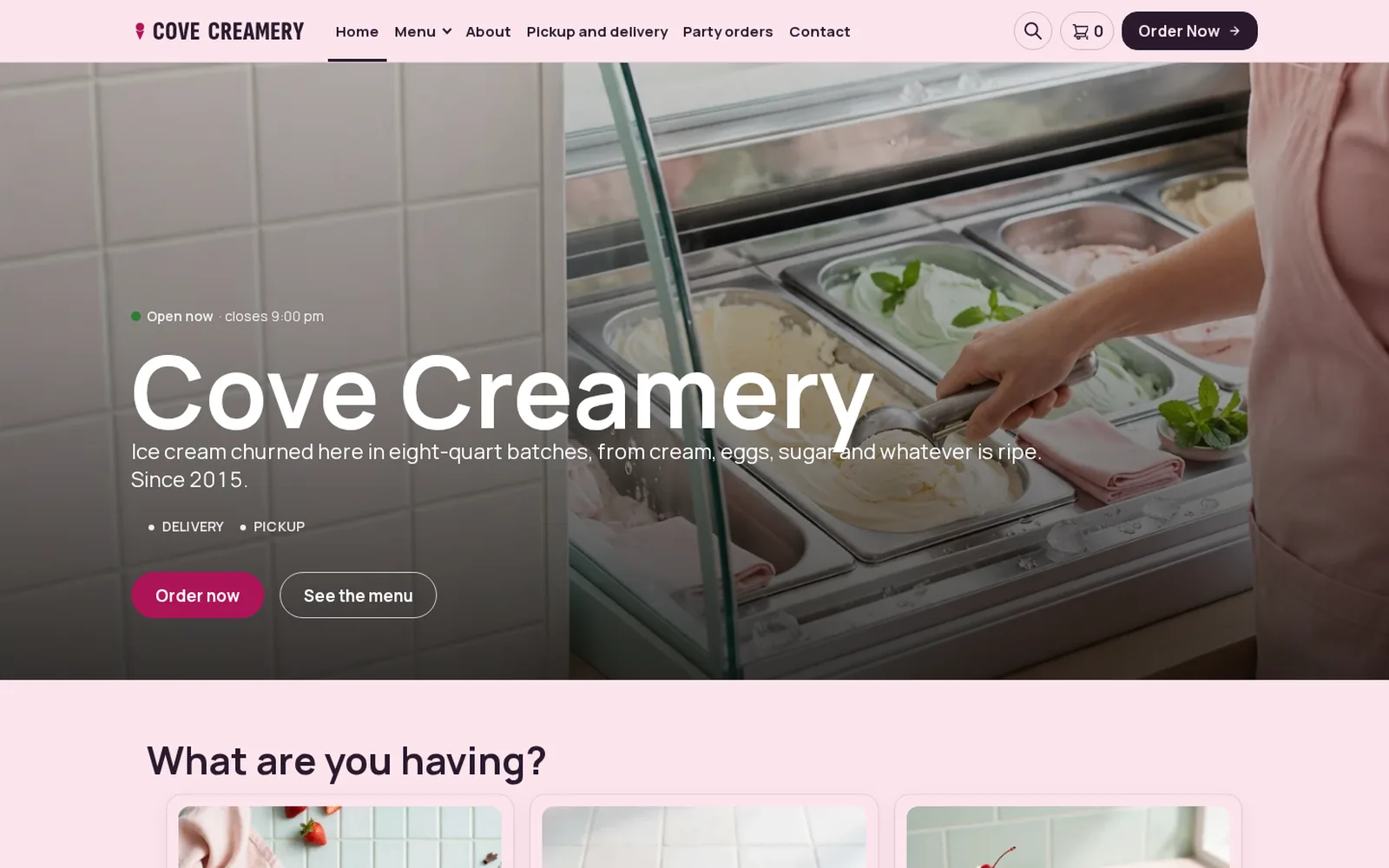
Restaurant demo
Ice cream
An ice cream shop running FoodMaster: browse the menu, add to cart and go through checkout.
Open the demo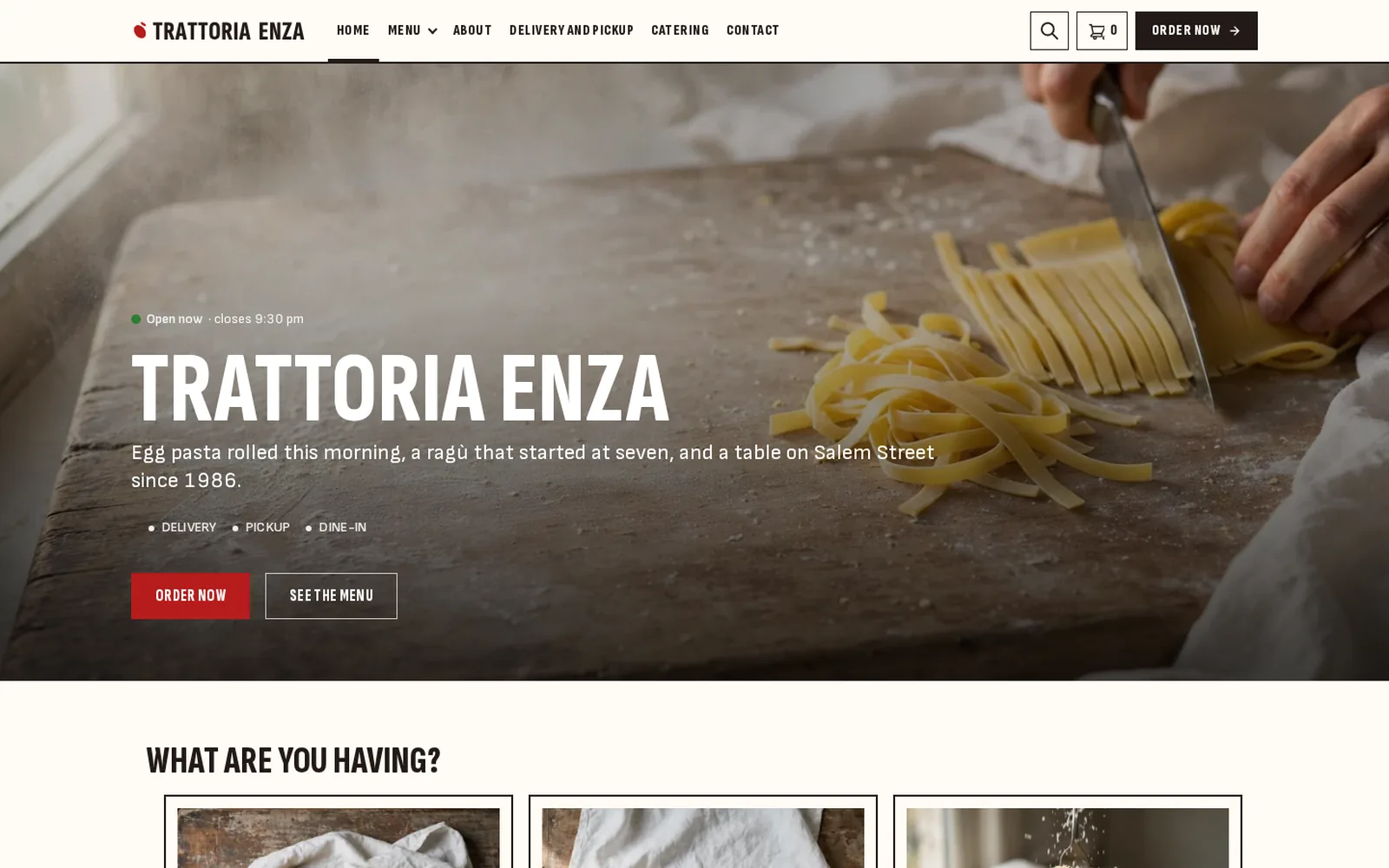
Restaurant demo
Italian
An Italian restaurant running FoodMaster: browse the menu, add to cart and go through checkout.
Open the demo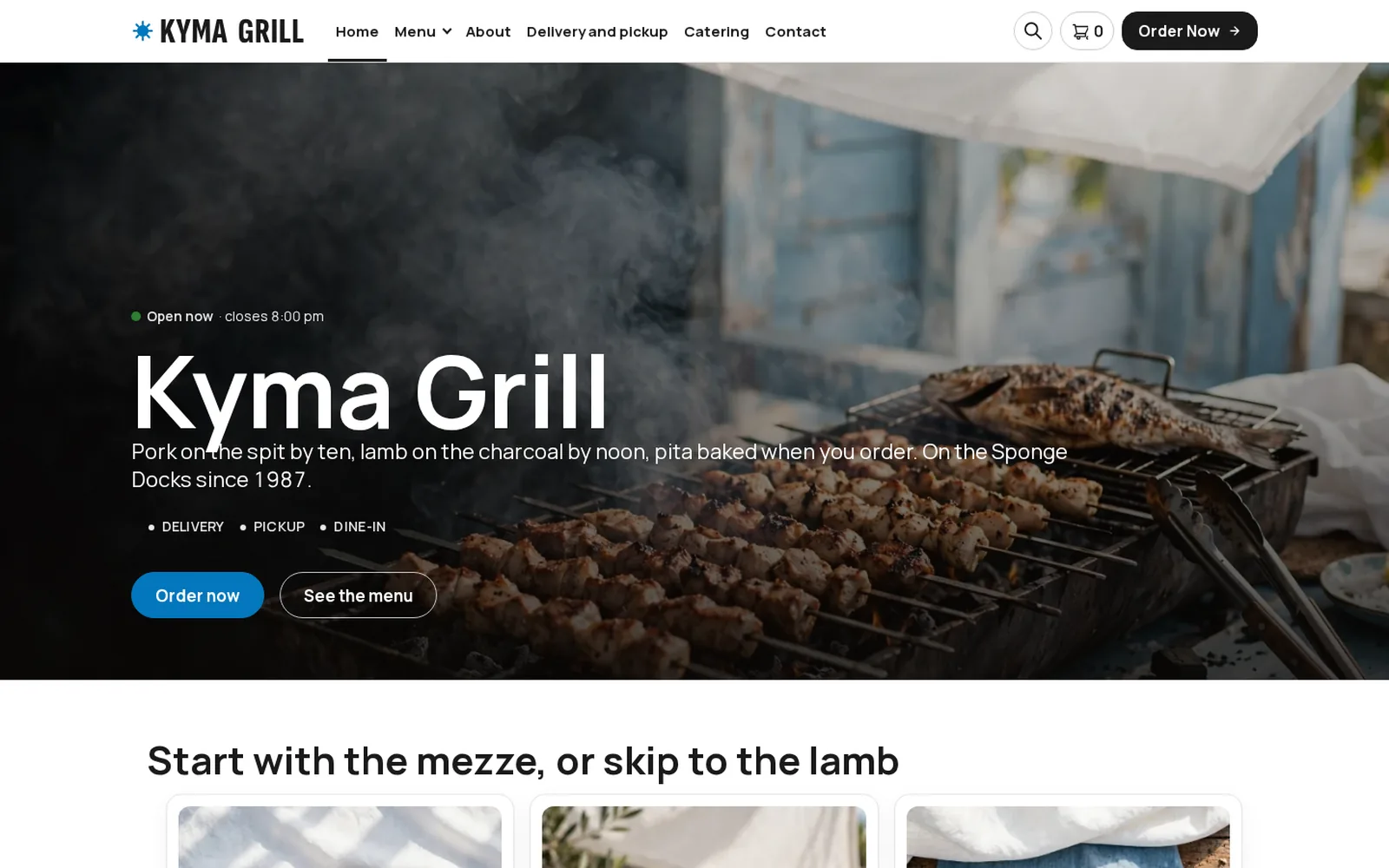
Restaurant demo
Mediterranean
A Mediterranean restaurant running FoodMaster: browse the menu, add to cart and go through checkout.
Open the demo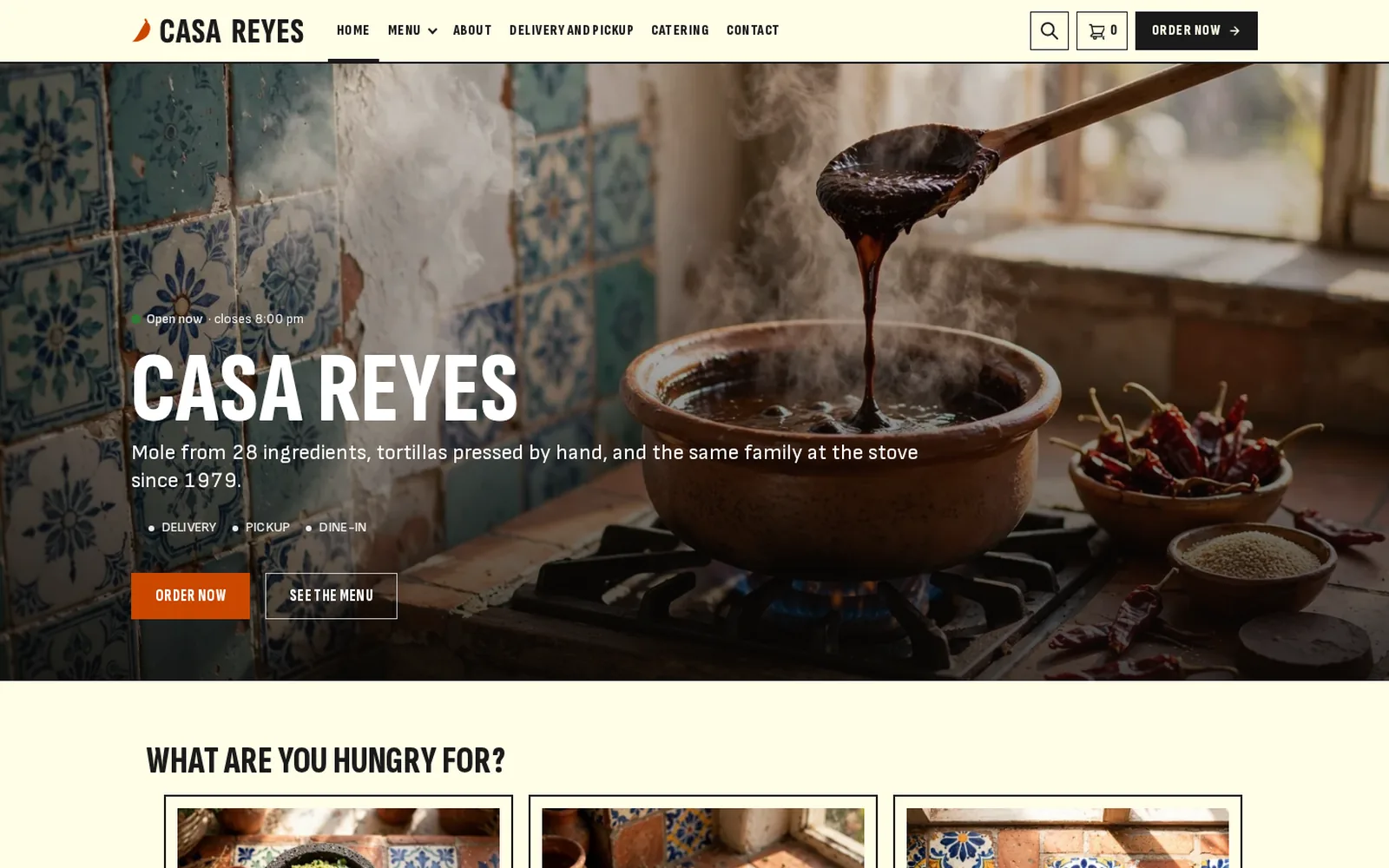
Restaurant demo
Mexican
A Mexican restaurant running FoodMaster: browse the menu, add to cart and go through checkout.
Open the demo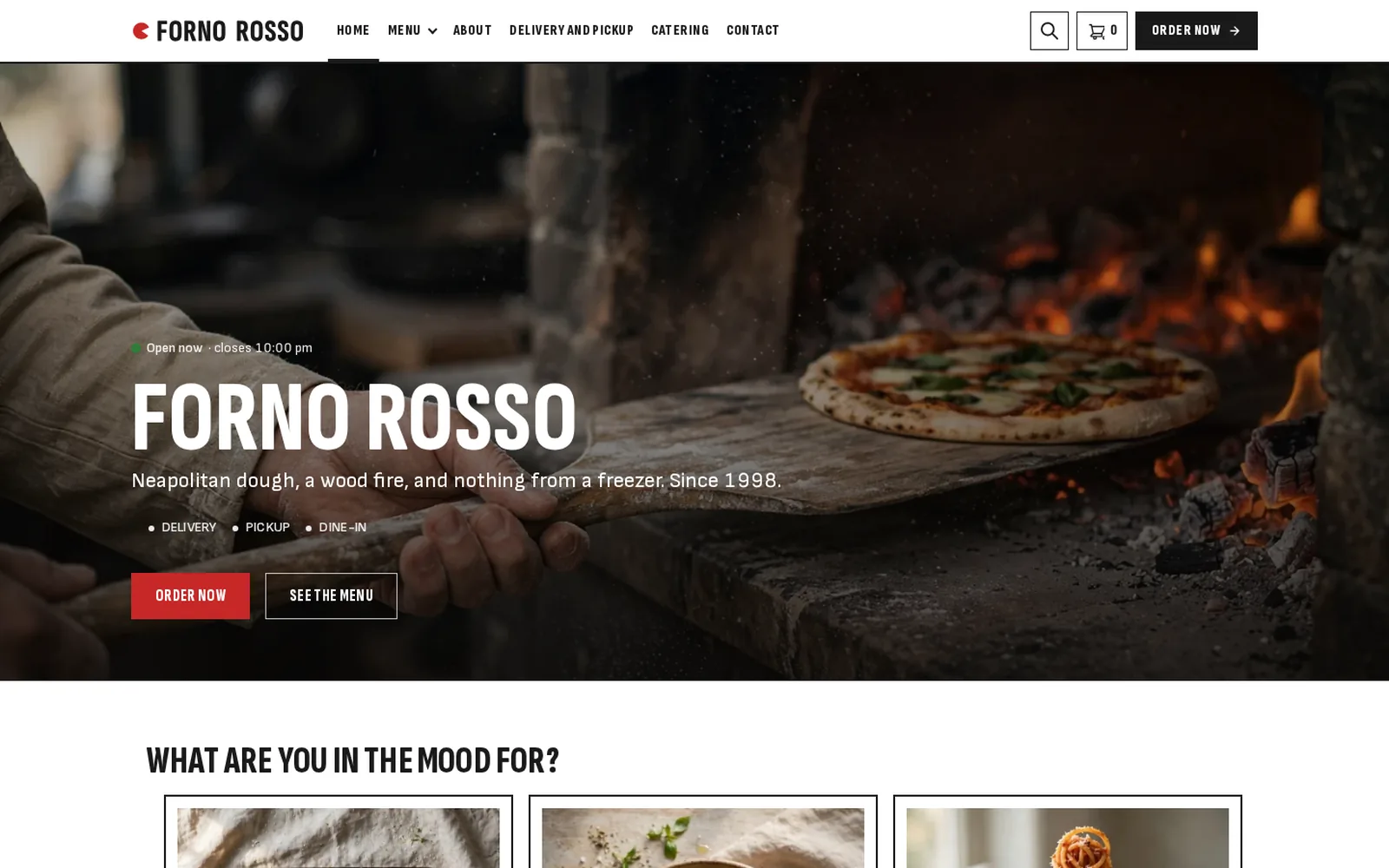
Restaurant demo
Pizzeria
A pizzeria running FoodMaster: browse the menu, add to cart and go through checkout.
Open the demo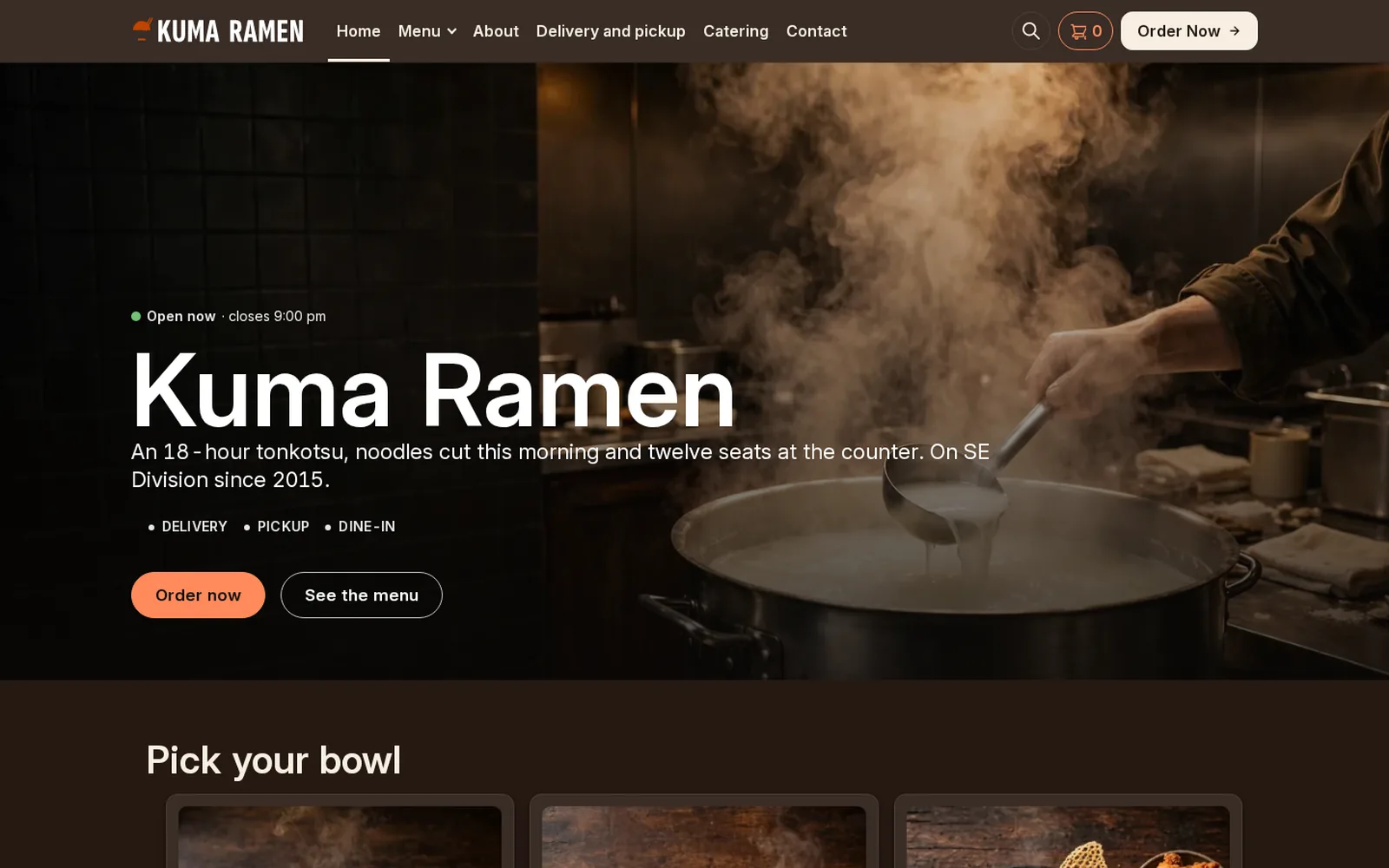
Restaurant demo
Ramen
A ramen bar running FoodMaster: browse the menu, add to cart and go through checkout.
Open the demo
Restaurant demo
Seafood
A seafood restaurant running FoodMaster: browse the menu, add to cart and go through checkout.
Open the demo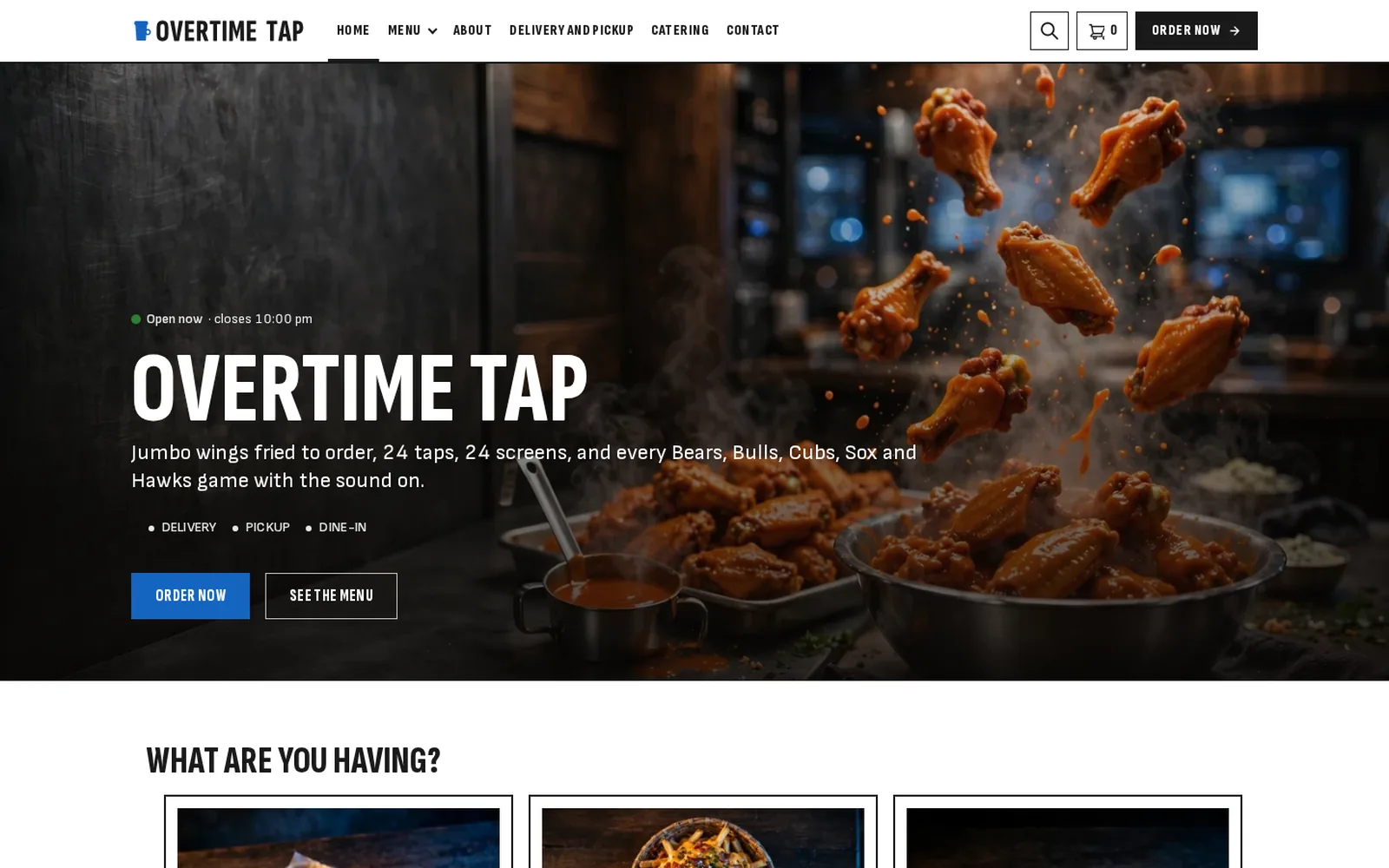
Restaurant demo
Sports bar
A sports bar running FoodMaster: browse the menu, add to cart and go through checkout.
Open the demo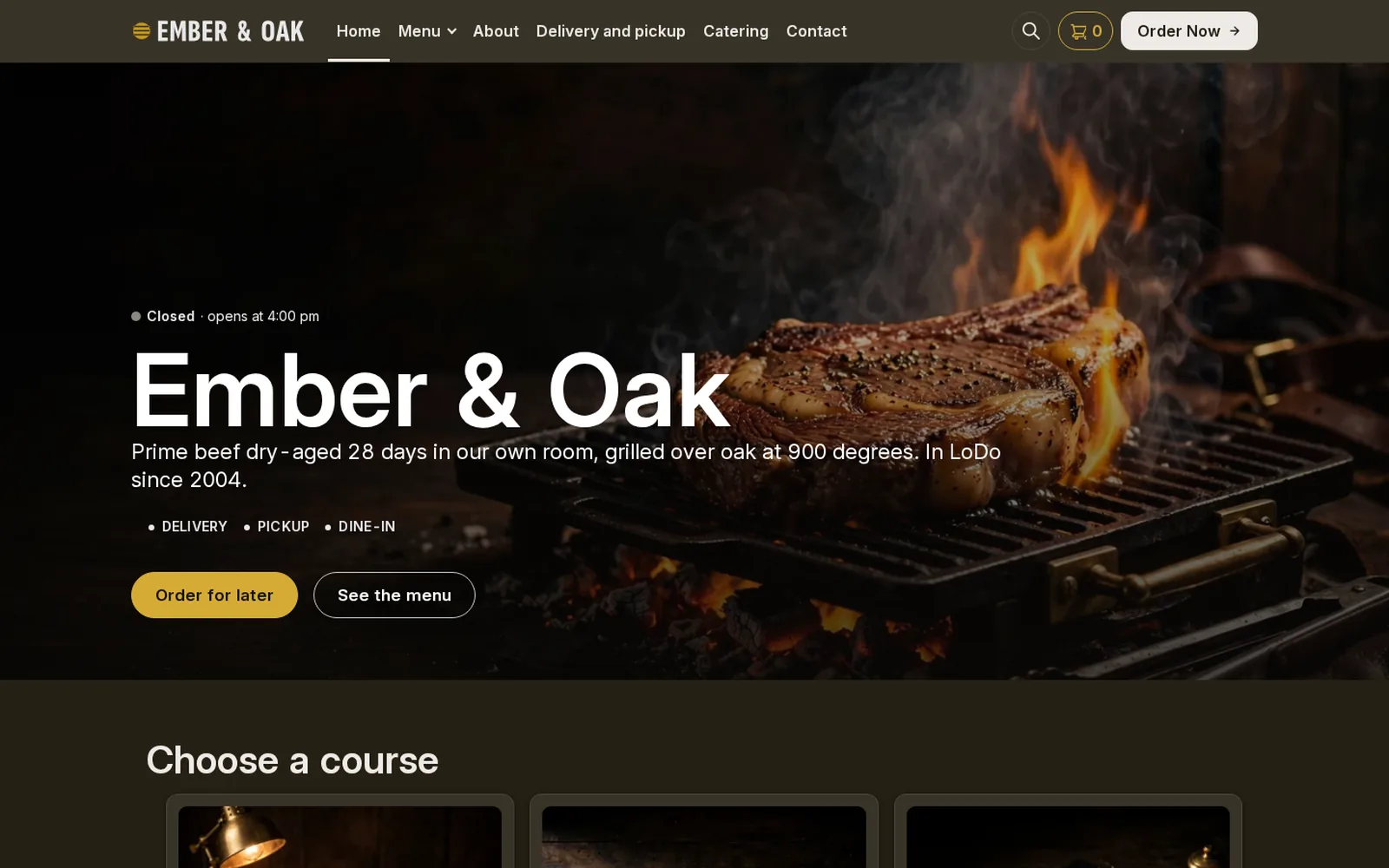
Restaurant demo
Steakhouse
A steakhouse running FoodMaster: browse the menu, add to cart and go through checkout.
Open the demo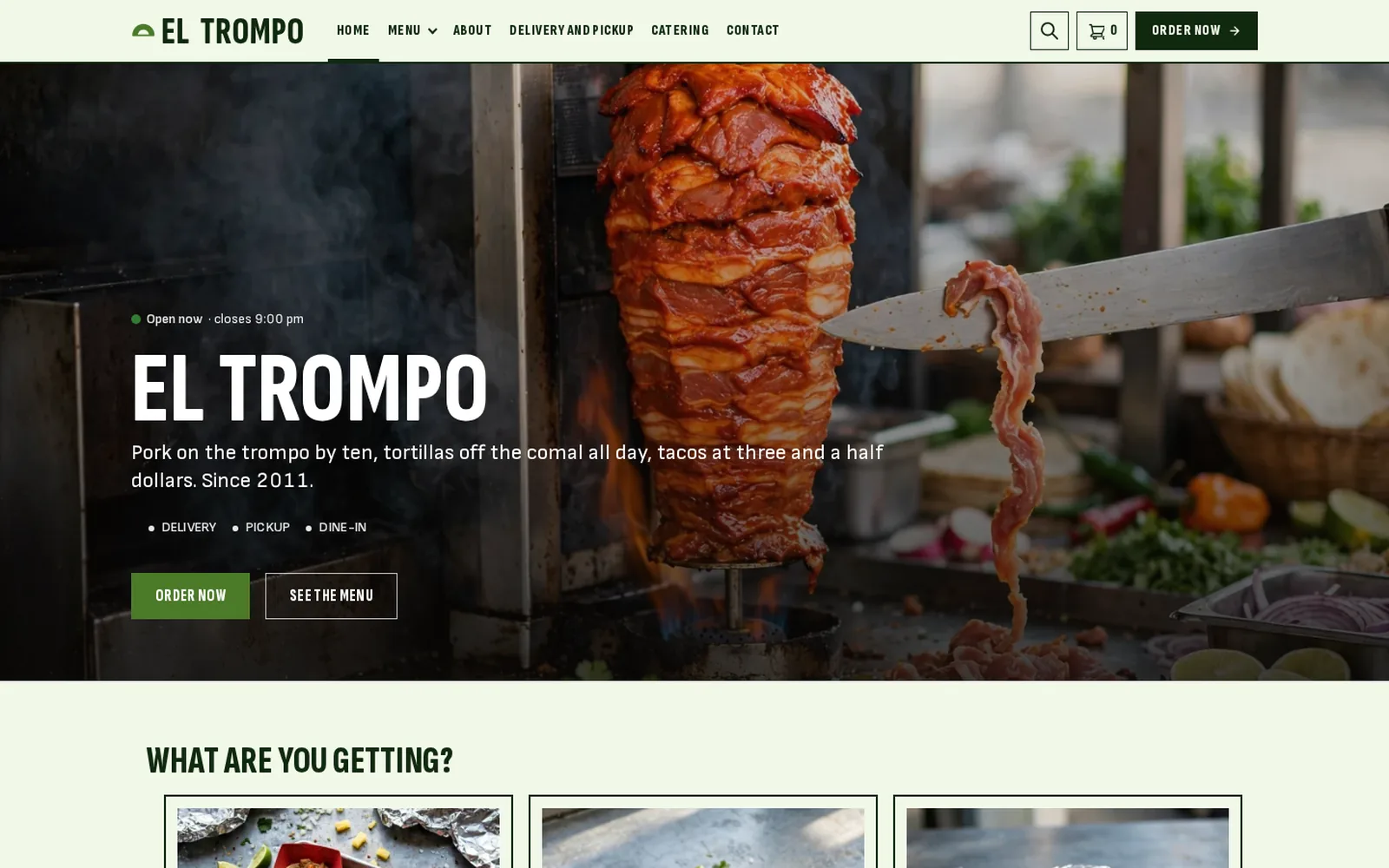
Restaurant demo
Taco bar
A taco bar running FoodMaster: browse the menu, add to cart and go through checkout.
Open the demoInside FoodMaster, by who uses it
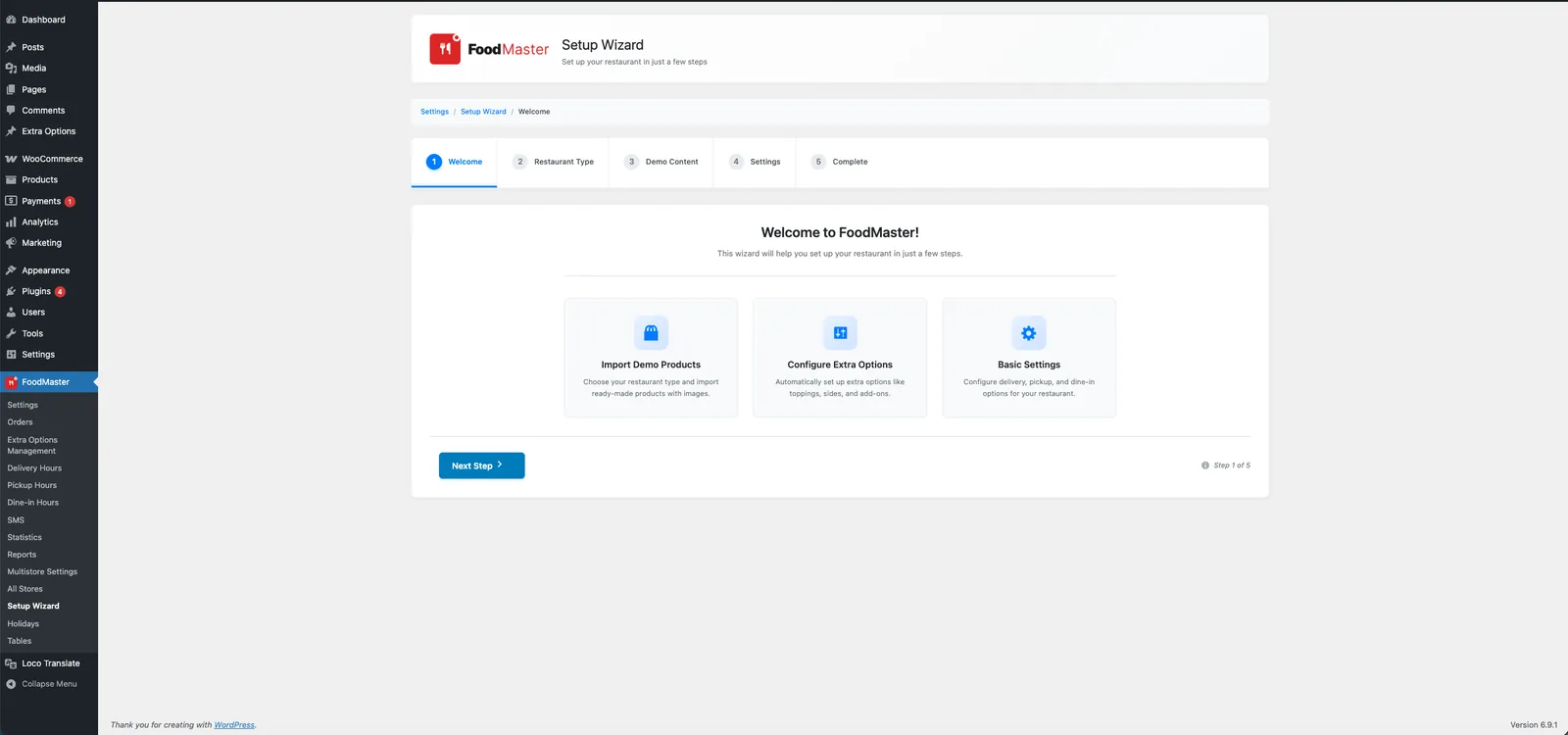
The real screens your customers, your counter and your kitchen work with. Pick a role, then a screen.
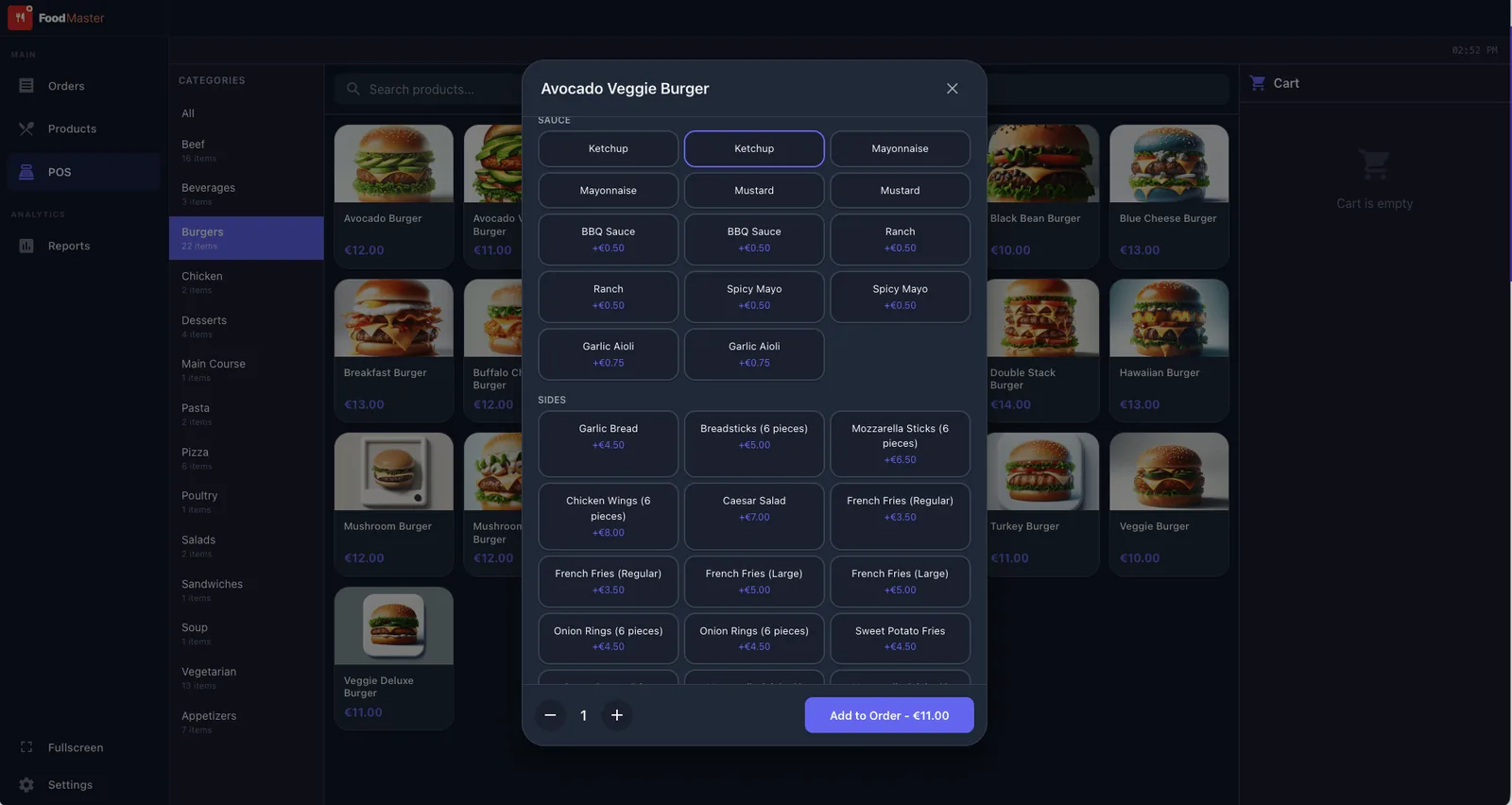
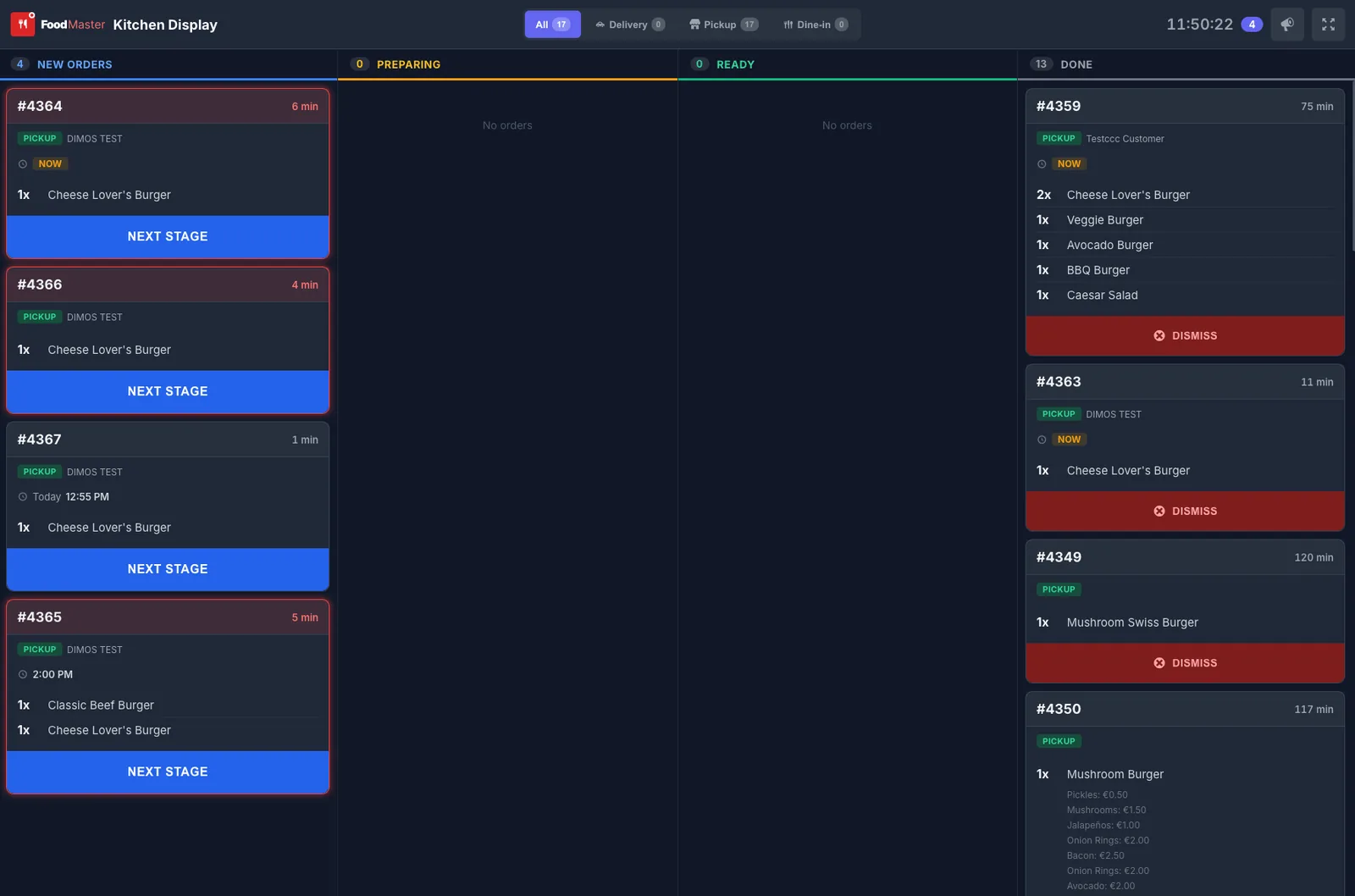
From install to first order in an afternoon
No coding and no developer. If you can install a WordPress plugin, you can launch online ordering.
Read the FoodMaster setup guide- 1
Install and run the wizard
Upload FoodMaster like any plugin. The setup wizard configures the essentials.
- 2
Build your menu
Add meals, extras and delivery rules, or start from one of the restaurant demos.
- 3
Take orders
Orders arrive in real time, print in the kitchen and show on the kitchen display.
Everything a restaurant needs to take orders
One WooCommerce plugin, with no third-party services and no add-ons to buy.
Taking orders
- Delivery and pickup
Time slots, ASAP or scheduled orders, and delivery fees by distance, flat rate or order total.
- QR table ordering
A QR code per table. Guests scan, browse and order dine-in from their phone, with no app to download.
- Unlimited extras and toppings
Sauces, sides and sizes as single, multi or limited choices. Half-and-half pizza included.
- Any WooCommerce payment method
Stripe, PayPal, Authorize.Net, cash on delivery and local banks. If WooCommerce supports it, FoodMaster can use it.
In the kitchen
- Automatic printing
New orders print to the kitchen or counter through the Windows and macOS app, on network, USB or Bluetooth thermal printers.
- Kitchen display
Orders appear on any screen with a browser. Staff track progress and mark items ready in a tap.
- POS for walk-in and phone orders
Staff PINs, cash and card, and instant receipts, all on one screen.
- Live order acceptance
Accept and track orders with sound alerts and status updates, on desktop or on your phone.
Across locations
- Multi-location
Each branch gets its own menu, hours and delivery zones. Customers are routed to the nearest one.
- Delivery area control
Limit delivery by distance, postal code or a map zone, set fees per zone, and block out-of-range orders.
- Order tracking and reports
Status updates, notifications and WooCommerce reporting on sales and popular items.
Run your restaurant from ChatGPT or Claude
FoodMaster includes an MCP connection, so you can manage orders, the menu and opening hours by typing what you need in ChatGPT or Claude, from your phone or laptop.
Orders
- “What came in today?”
A snapshot of today’s orders and sales, split by delivery, pickup and dine-in.
- “Accept order 1042, ready in 25 minutes”
Accept or decline orders, change their status and assign a delivery rider.
- “How much did we do yesterday?”
Sales totals from your completed orders, for any day or period.
Menu
- “Mark the BBQ chicken pizza sold out”
Turn dishes off when they run out and back on the next day.
- “Raise the Margherita to 12”
Change prices, names, descriptions, categories and extras.
- “Here is our new menu, set it up”
Paste a menu as text or CSV. FoodMaster drafts the dishes and extras and creates them only after you confirm.
Store
- “Close delivery at 22:00 on Saturday”
Change delivery, pickup and dine-in hours, or close for a day.
- “Pause delivery, we are too busy”
Pause an order type and resume it with one message.
- “Set the minimum delivery order to 15”
Update the minimum order, the delivery fee and each store’s details.
Works with ChatGPT, Claude and other apps that support MCP (the Model Context Protocol). Turn it on in FoodMaster, add your site as a connector in the assistant and approve it by signing in to your WordPress site. Menu imports and other big changes wait for your confirmation.
DoorDash and Uber Eats couriers, orders on your own site
No drivers of your own? FoodMaster connects to DoorDash and Uber Eats delivery. Customers still order and pay on your website, with no marketplace commission.
How the DoorDash and Uber Eats integration works- 1
Delivery cost at checkout
When the customer chooses delivery, FoodMaster calculates the DoorDash or Uber Eats delivery cost and adds it to the WooCommerce checkout.
- 2
Sent automatically
Once the order is placed, FoodMaster sends it to DoorDash or Uber Eats. Nobody retypes anything.
- 3
Courier delivers
The ticket prints in your kitchen as usual, and a courier collects the food and takes it to your customer.
Own your orders and your customers
Delivery marketplaces rent you access to your own customers and take a cut of every plate. FoodMaster is one flat yearly fee.
Delivery marketplaces
- Commission on every order, often 15–30%
- Their brand, their customer data
- Competitors listed next to you
- Fees grow as you grow
FoodMaster
- No commission: you keep 100% of each order
- Your website, your brand
- You own the customer list
- One yearly fee, unlimited orders
| Online sales a month | Marketplace at 25% | FoodMaster |
|---|---|---|
| $4,000 | $12,000 | $499 |
| $8,000 | $24,000 | $499 |
| $20,000 | $60,000 | $499 |
Yearly cost. 25% is the middle of the usual marketplace range; FoodMaster costs the same at any volume.
One licence, the whole ordering system
Everything below comes with one purchase. No per-device fees and no add-ons.
- FoodMaster pluginMenu, delivery, pickup and dine-in ordering, extras, time slots and zonesWordPress with WooCommerce
- Restaurant theme30+ restaurant demos, so the site looks finished from day oneWordPress
- Order management appAccept and track orders live, with sound alertsWindows, macOS, Android and iOS
- POS appWalk-in and phone orders, receipts, staff PINsWindows and macOS
- Kitchen displayLive order screen for the kitchen teamAny screen with a browser
What restaurant owners say
Rated 4.9 out of 5 from 92+ reviews on wpslash.com. Three of them, in the owners’ own words.
“Outstanding, and deserves more than just my review. Powerful, easy to set up, easy to run, easy to change. Support is always there. Hiring a developer to build this would cost thousands — here you get a whole platform.”
“Very good developer, the plugin is very well done and very well thought out. A special mention for the customer service and support, which deserves 5 stars. Highly recommended for any restaurant taking orders online.”
“FoodMaster is the only plugin on the market that lets you run ordering without expensive equipment. I’ve been 100% satisfied with the product and the support team.”
Do I need WooCommerce?
Yes. FoodMaster uses WooCommerce for products, checkout, payments and reports, and adds restaurant ordering on top.
Does it work with my current theme?
It works with most WooCommerce themes, and styling options match it to your colours. The licence also includes a matching restaurant theme if you want a ready-made look.
Does it print new orders automatically?
Yes, through the desktop app for Windows and macOS. It works with all thermal printers over network, USB or Bluetooth.
What happens after the first year?
Renewal is $499 a year for updates and support. If you do not renew, the plugin keeps working.
Can I manage FoodMaster from ChatGPT or Claude?
Yes. FoodMaster includes an MCP connection. Once you connect your site, you can check orders and sales, accept orders, change hours, prices and dish availability, or import a menu by typing in ChatGPT or Claude.
Does FoodMaster work with DoorDash and Uber Eats?
Yes, for delivery. Customers order on your website, FoodMaster calculates the DoorDash or Uber Eats delivery cost at checkout and sends the order to the courier automatically. Your menu is not listed on their marketplace apps.
FoodMaster for every kind of restaurant
The same ordering system, set up for how your kitchen works.
Your menu, your customers, your site
Buy direct on wpslash.com and your first order can come in the same afternoon. If it does not fit your restaurant, the 30-day guarantee covers you.